YouTube subtitle toolkit
Download YouTube Subtitles
Free, instant, no sign-up. Get captions in SRT, VTT, or plain text from any YouTube video.
Use Grab Captions to pull tracks from YouTube, search caption text, convert subtitle formats, and inspect files in one focused workflow.
Start here
Paste a video URL, then choose the exact track and format you need.
Manual and auto-generated captions, fast preview access, and clean downloads with no sign-up wall.
Tool suite
More than a downloader
Everything in Grab Captions is organized around the real caption workflow: fetch the file, inspect the text, convert it, then repurpose it.
Download YouTube Subtitles
Free, instant, no sign-up. Get captions in SRT, VTT, or plain text from any YouTube video.
Caption Search
Search stored YouTube captions by word or phrase, then jump straight into the downloader for the matching video.
Caption Viewer
View and inspect subtitle files in a clean timeline
SRT ↔ VTT
Convert between subtitle formats
SRT → Text
Strip timestamps, get plain transcript
Workflow
How it works
From a copied YouTube link to a usable subtitle file in three quick steps.
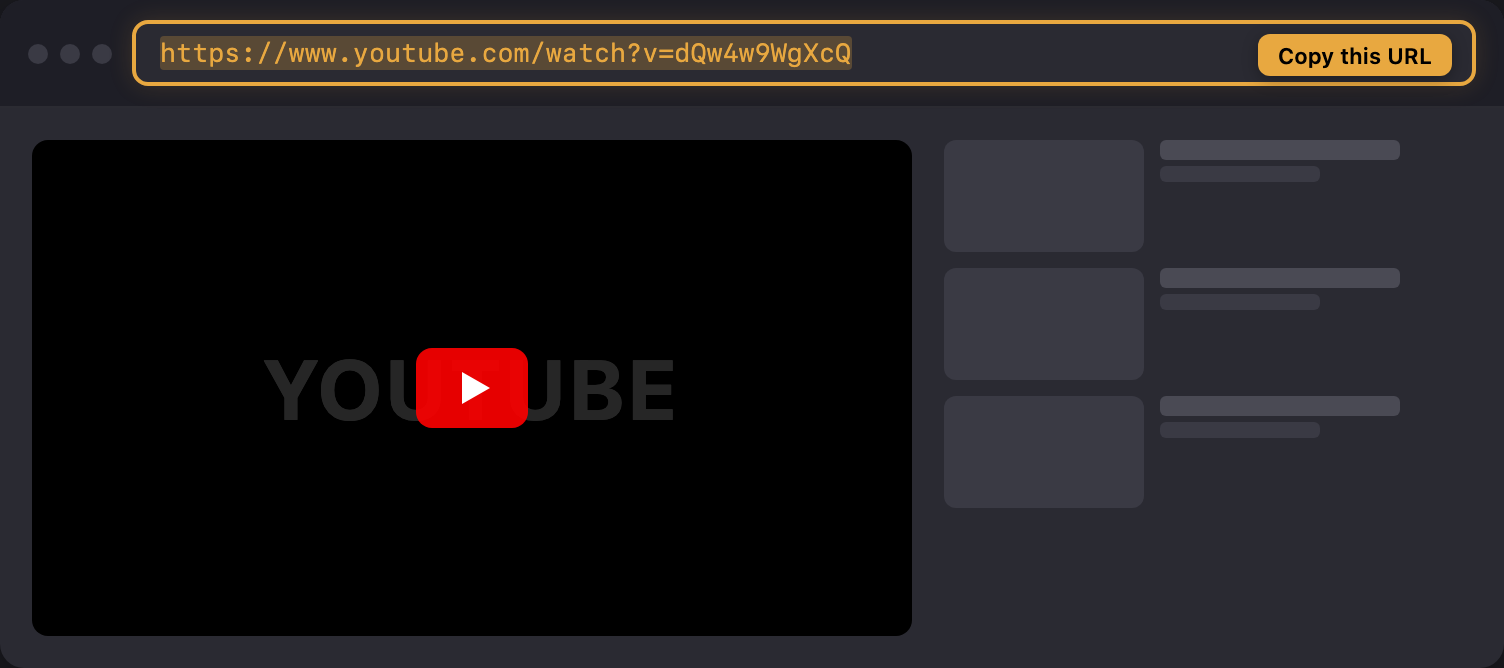
any video link or just the video ID works too.
Show screenshot
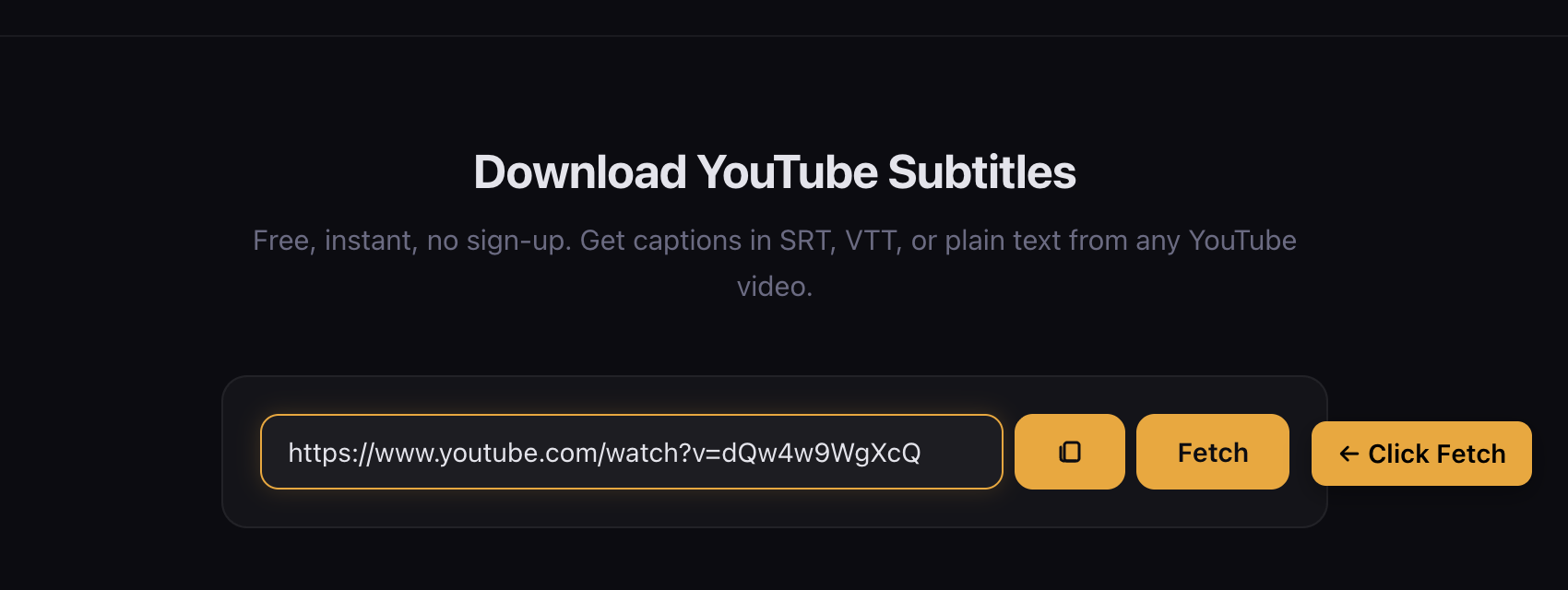
you’ll see every available language, labeled manual or auto.
Show screenshot
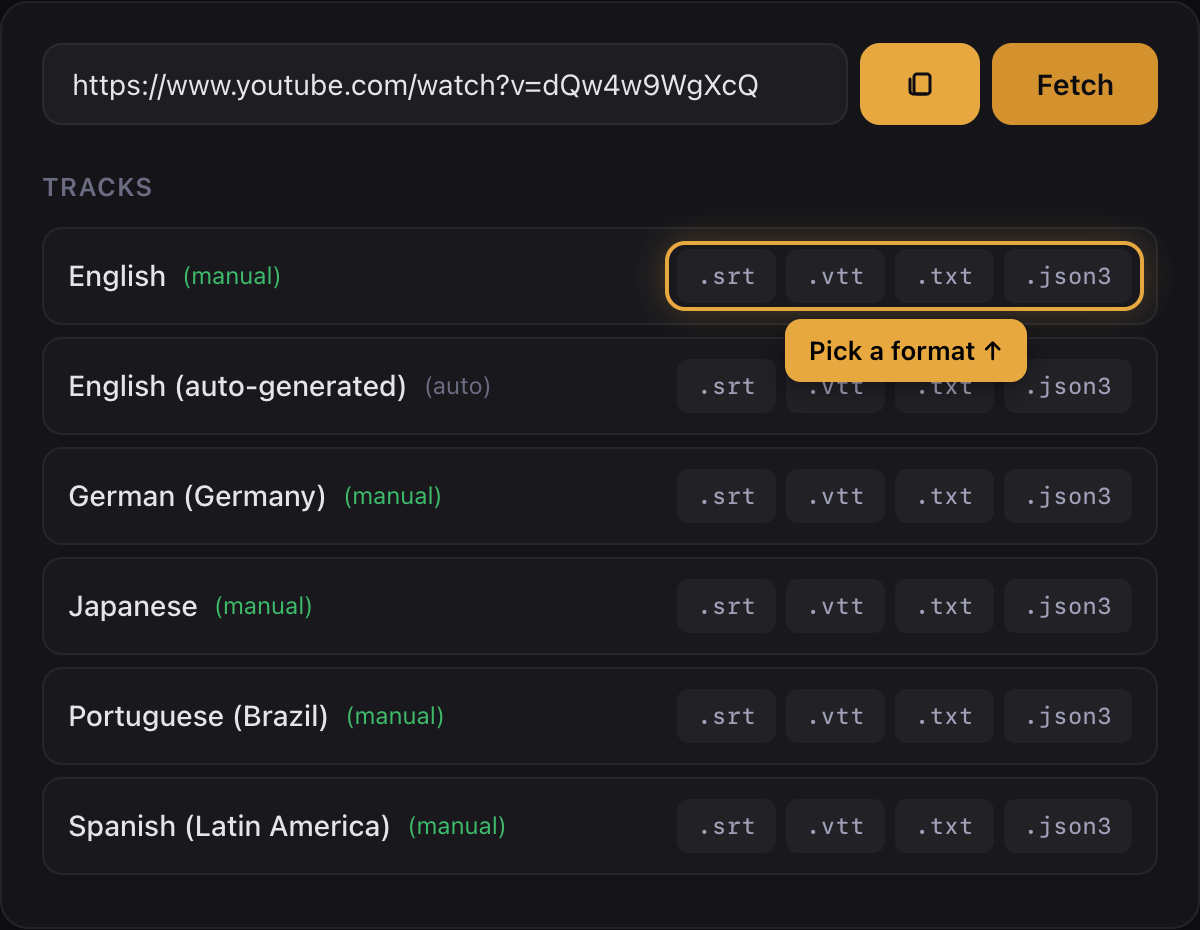
click .srt, .vtt, or .txt and the file is yours.
Show screenshot
Extension
Chrome Extension
Download captions directly from YouTube without leaving the page.
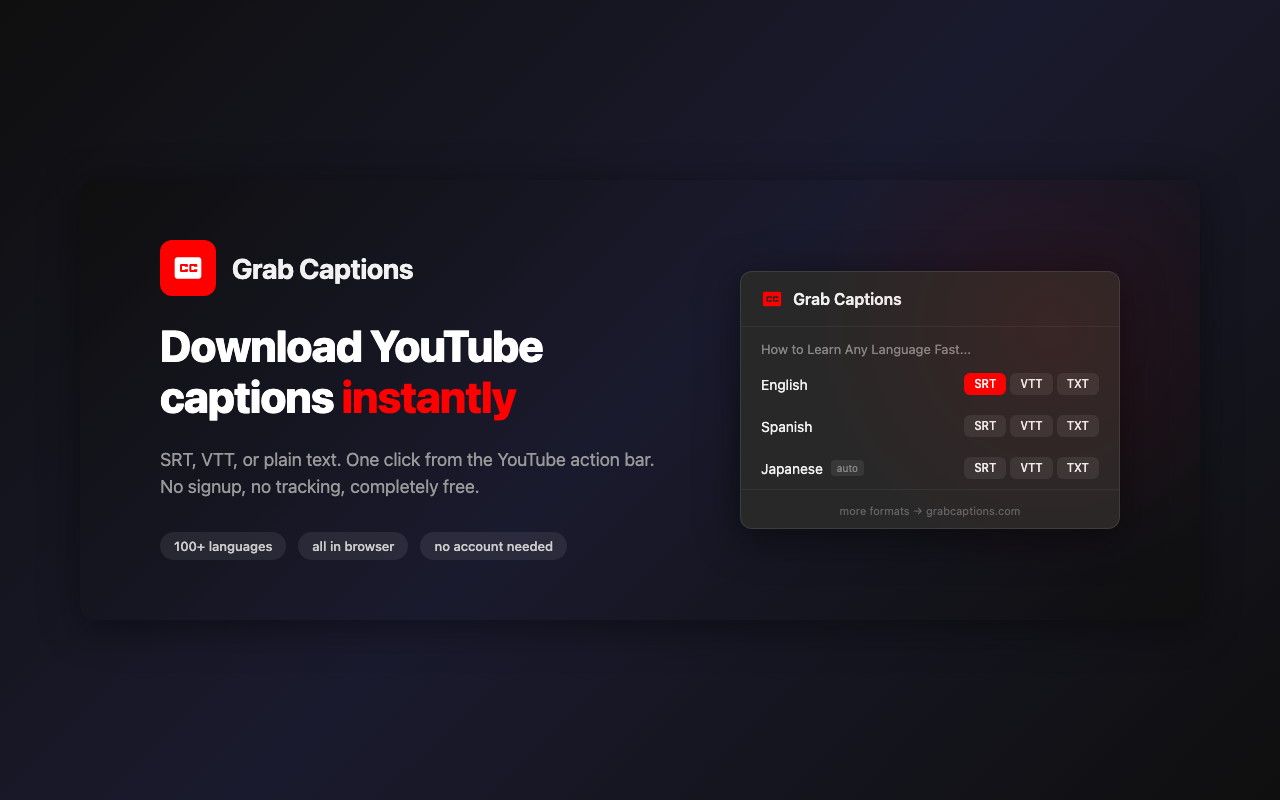
- One-click download right on YouTube
- SRT, VTT, and plain text formats
- 100+ languages supported
- Only needs access to youtube.com
Formats
Formats
Choose the output format based on where the subtitles are going next.
.srt
The standard. Works in Premiere, Resolve, VLC, and basically every video tool.
Video editing & players
.vtt
Web standard. For HTML5 video, streaming platforms, and web apps.
Web & streaming
.txt
Plain transcript, no timestamps. Perfect for study notes, flashcards, or pasting into AI tools.
Study & notes
Use cases
Who uses this
Grab Captions is used for language learning, production, research, accessibility, and transcript cleanup.
Language learners
Download subtitles in your target language. Read along, build flashcards, or study vocabulary from real video content.
Students
Grab transcripts from lectures and talks. Paste into your notes app, highlight key points, or feed into ChatGPT for summaries.
Content creators
Turn any video into a blog post or script. Download the transcript, clean it up, repurpose it.
Researchers
Get full transcripts from interviews, talks, or documentaries. Search for quotes and cite exactly what was said.
Accessibility
Get text versions of video content for hearing-impaired viewers, or when you can't play audio.
Developers
Batch download subtitles for data analysis, build subtitle search tools, or automate caption extraction for your apps.
Coverage
Works with 100+ languages
If YouTube has captions for it, you can download them here — auto-generated or manually uploaded.
Guides
Popular subtitle and transcript guides
Practical articles that support the toolset with format explainers, workflow comparisons, and study ideas.
How to Download a YouTube Transcript as Plain Text
Need the words from a YouTube video without timestamps or formatting? Here are four ways to download a YouTube transcript as clean, copy-ready plain text.
The VTT Subtitle Format: A Complete Guide to WebVTT Syntax, Features, and Usage
WebVTT is the W3C standard for timed text on the web. This guide covers the full file format — headers, timestamps, cue settings, styling — with real examples and common pitfalls.
How Long Do YouTube Auto-Captions Take? Processing Times Explained
Auto-captions usually appear within 5 to 30 minutes of upload, but video length, audio quality, and server load can push that to several hours. Here's the full breakdown.
Answers
FAQ
Does this work with auto-generated captions?
Yep. Most YouTube videos have auto-generated captions from speech recognition. You’ll see them labeled (auto) in the track list.
What languages are supported?
Every language YouTube has captions for — 100+ languages, both auto-generated and manually uploaded.
Is it free?
Completely. No account, no email, no catch. There’s a rate limit to keep things running smoothly.
How can I use captions for studying?
Download the transcript as .txt and use it to review lectures, extract vocabulary, create flashcards, or feed it into AI tools like ChatGPT for summaries and study notes.
Which format should I pick?
SRT if you’re editing video. VTT if it’s for a website. TXT if you just want to read the transcript or study from it.
Why are there no captions for my video?
Some uploaders disable captions, and YouTube doesn’t auto-generate them for every video. If there are no captions on YouTube, there’s nothing for us to grab.
How do I download YouTube subtitles on mobile?
Same way — open this site on your phone, paste a YouTube link, pick a track, and tap the format you want. Works on any browser.
Can I download subtitles from YouTube Shorts?
Yes. Paste the Shorts URL and we’ll extract the captions just like a regular video.
How do I add downloaded subtitles to a video?
In VLC, drag the .srt file onto the video window. In Premiere Pro, import the .srt file to your timeline. Most players and editors support SRT.
What is the difference between SRT and VTT?
Both are timed subtitle formats. SRT uses commas for milliseconds (00:00:01,000), VTT uses periods (00:00:01.000). VTT is the web standard and supports styling. SRT is more widely supported in desktop apps.
Can I batch download subtitles from multiple videos?
This tool downloads one video at a time. For batch downloading subtitles from playlists or channels, use yt-dlp with the --write-sub and --skip-download flags. See our blog guide for the full command.
Can I download subtitles from a YouTube playlist?
Not directly here — paste one video URL at a time. For downloading subtitles from an entire playlist at once, a command-line tool like yt-dlp is the best option. It supports batch subtitle extraction from playlists and channels.
Is there a Chrome extension?
Yes! The Grab Captions Chrome extension adds a download button directly on YouTube. One click to see all available tracks, pick your format, and download — without leaving the video page. It only needs access to youtube.com, no broad permissions.